
Criminal Cases in the Jefferson County Courts
The Second Judicial Circuit supplies Jefferson County's felony-level Circuit Court. County Court handles misdemeanors, non-arrest misdemeanors, municipal and county ordinance violations, civil juvenile tobacco matters, and related criminal traffic. Both local criminal divisions use the Jefferson County Courthouse. Monticello has no separate public municipal court portal, so city ordinance cases also route through the county Clerk.
The Clerk is custodian of the court case file. That file differs from the arrest report and jail intake entry. It records what the State Attorney files, plus pleas, motions, hearings, court orders, disposition, sentence, and financial assessments. The First District Court of Appeal holds appellate records, but it is not the counter for Jefferson County trial documents.
Jefferson County Criminal Counter
The Jefferson County Clerk serves criminal record requests at 1 Courthouse Circle, Suite 203, Monticello, FL 32344. The felony and misdemeanor line is (850) 342-0218, extension 233. Published weekday hours are 8 a.m. to 5 p.m. Bring a case number when possible. A name and date range help staff distinguish similar names.
Small copy requests may be produced while a visitor waits. Larger requests become an order. Confirm the correct Jefferson mailing address before sending payment because the live misdemeanor FAQ has shown an inconsistent Apalachicola address.
The Clerk's official homepage supplies the courthouse source view and court links.
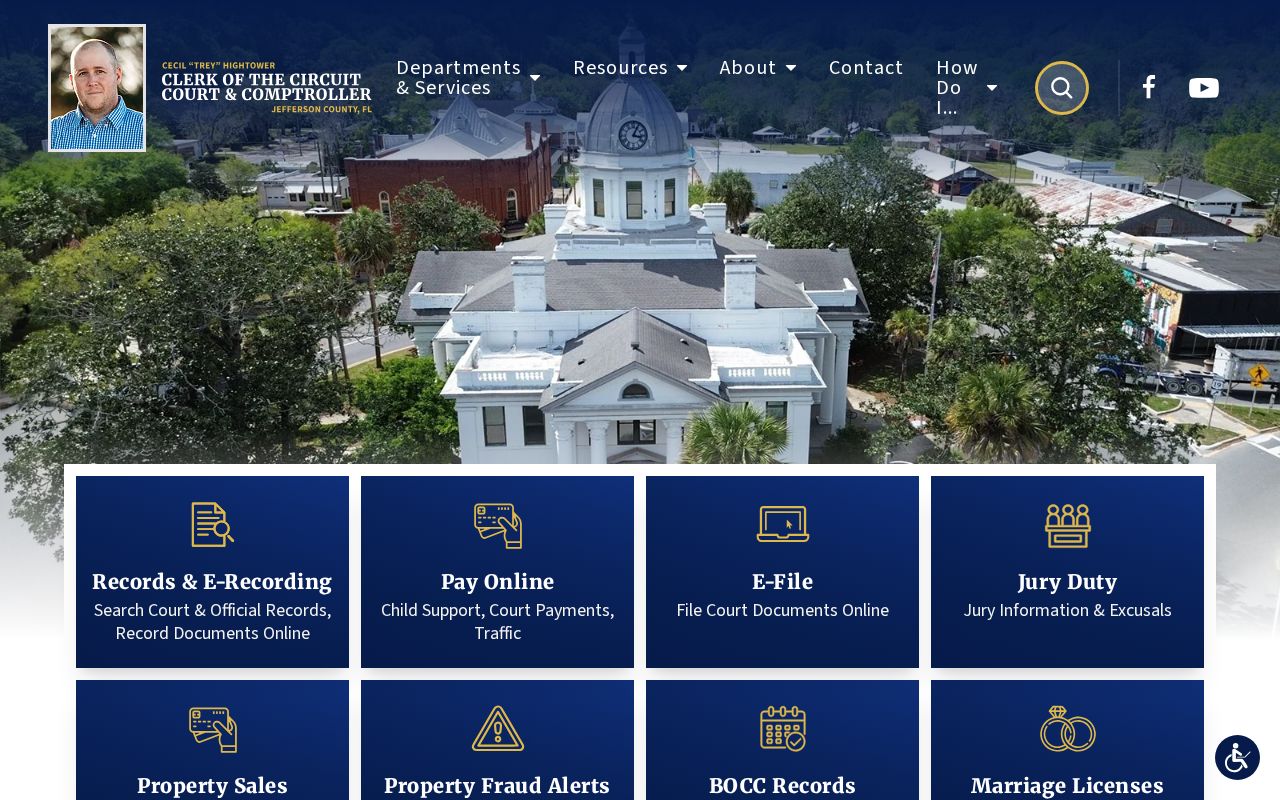
This view helps distinguish the Courthouse Circle record counter from the Industrial Park jail.
How to Search Case Records
The Clerk's Records Search page routes users to OCRS. Search by party name for discovery, but use a case number from a citation, bond paper, or notice for precision. Check the division, filing date, status, and each count. An index can exist even when a document image is unavailable.
- Open the Clerk's search route and select a criminal division when offered.
- Enter the party name, or use the complete case number.
- Apply a date range and court-type filter to narrow the match.
- Read every count from charging document through judgment or dismissal.
- Call extension 233 or visit Suite 203 for missing images or certified copies.
| Field Label | Type | Required | Notes |
|---|---|---|---|
| Name / Party Name | Text | Conditional | Use surname and given name; name alone does not prove identity. |
| Case Number | Text | Conditional | The most precise search key. |
| Court Type / Division | Dropdown | No | Narrow to felony or misdemeanor when offered. |
| Date Range | Date fields | No | Useful for common names. |
| Search / Clear | Buttons | Yes to run | Controls can change with vendor updates. |
The official search-routing page shows where the Clerk sends public users.
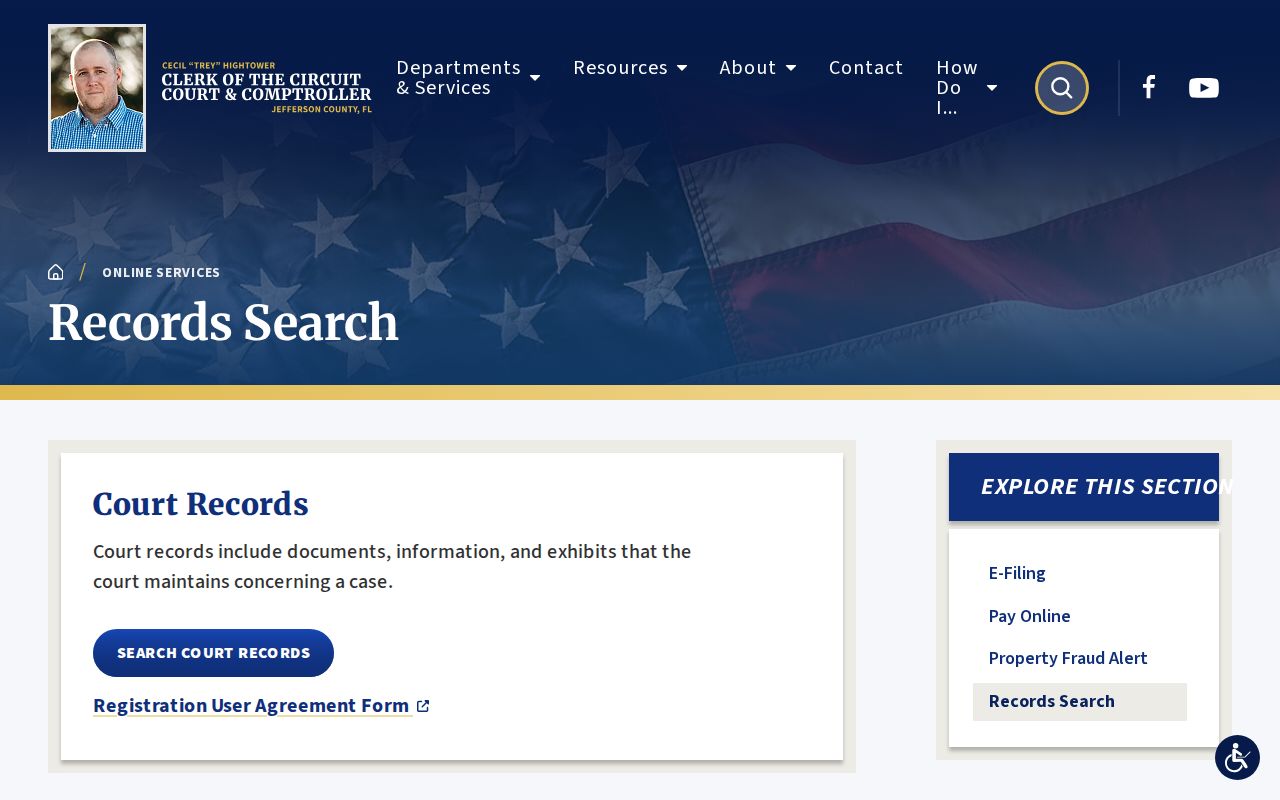
Treat OCRS as an index first and obtain the underlying filing when exact wording matters.
Missing Jefferson County Case Images
If a docket line is visible but its image is absent, do not assume the filing is empty, sealed, or unavailable. Give the Clerk the case number, document title, filing date, and needed pages. Ask whether public electronic access is limited or expanded registration applies.
The Clerk request page explains request handling. Judicial access rules still apply, so a focused request works better than a demand for every document.
The official request page shows the fallback when OCRS lacks an image.
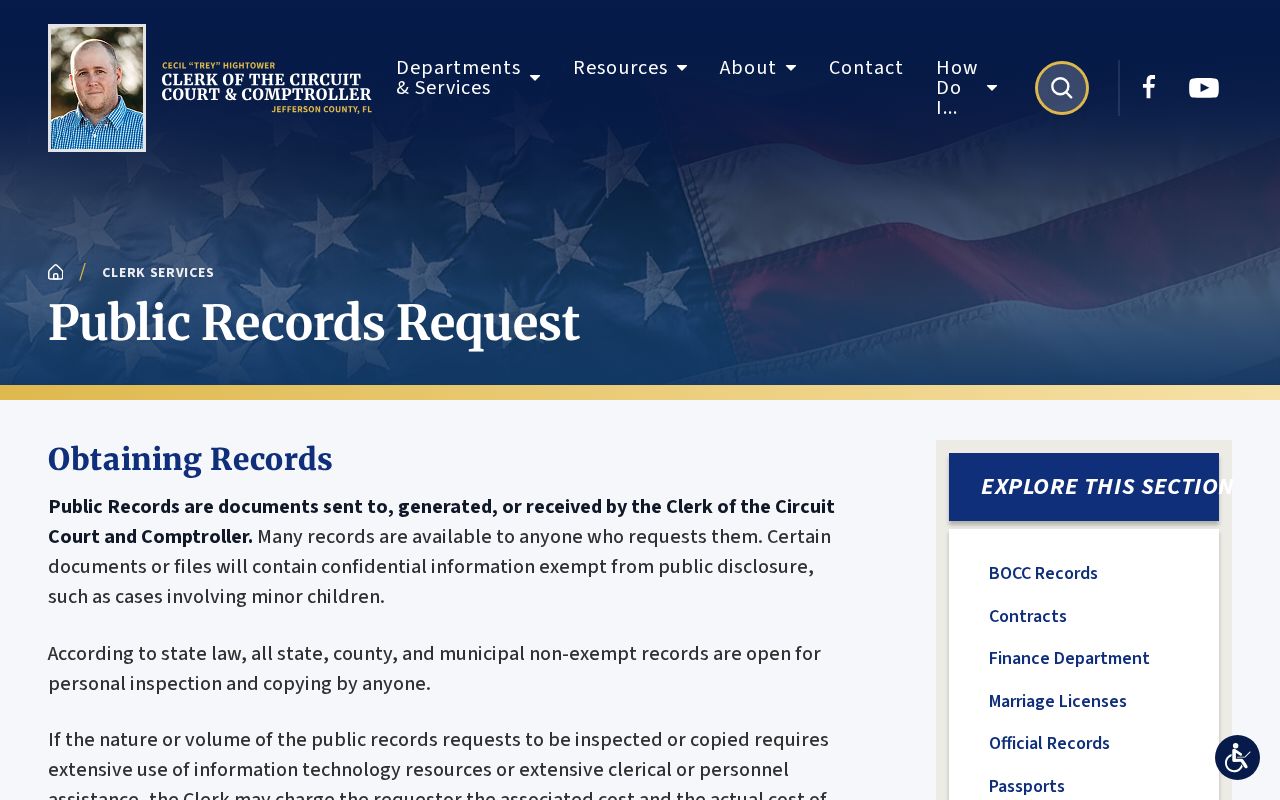
This channel connects an index entry to the docket, pleading, order, or certified disposition.
Note: Request certification only when the receiving office requires it, since an ordinary copy and certified document serve different needs.
What the Case File Shows
A Jefferson County criminal file centers on a case and its counts. Its header identifies court, filing date, type, and status. Docket events may show an information or indictment, arraignment, notices, motions, hearings, plea, judgment, sentence, costs, and a capias. Financial entries can show assessed sums, though protected details remain hidden.
| Case Number & Court | Identifies Circuit or County Court, division, type, and filing date. |
|---|---|
| Charging Document | The complaint, information, or indictment states filed counts. |
| Docket Entries | Dated filings, notices, motions, hearings, warrants, and orders. |
| Hearing Dates | Past and scheduled events, subject to calendar changes. |
| Disposition & Judgment | The outcome for each count. |
| Sentence & Conditions | Custody, supervision, fines, costs, restitution, or other terms. |
Why Jefferson County Charges Change
An intake charge states the officer's basis for arrest. The State Attorney reviews the referral and may file another count, decline prosecution, or dismiss a charge. A court may acquit or withhold adjudication in a qualifying result. Read the filed information and disposition for each count, not only the booking label.
- Information
- The prosecutor's formal charge.
- Arraignment
- The stage when a plea is entered.
- Nolle prosequi
- The prosecutor ends a charge.
- Adjudication withheld
- The court withholds formal conviction after a plea or finding.
- Disposition
- The recorded outcome of a count.
A disposed case can contain different outcomes for different counts. Inspect the judgment rather than relying on the case-level label.
Stages of a Criminal Case
Felony paperwork reaches the Clerk from the jail. The State Attorney decides formal charges. Arraignment follows, then discovery, motions, and pretrial hearings before plea or trial. Judgment records the result, and the sentence states the consequence. Later entries may address payment, supervision, violations, or appeal.
Case flow: Charges Filed › Arraignment › Pretrial › Plea or Trial › Disposition › Sentencing
No single timeline fits every case. Use actual docket dates and confirm future hearings with the Clerk.
Jefferson County Copy Fees
The Clerk states $1 per page and $2 to certify each document. Pickup payment may be made by cash, check, or cashier's check. Ask for an estimate before ordering a long file.
| Service | Published Amount |
|---|---|
| Ordinary copy | $1 per page |
| Certification | $2 per document plus copies |
| Initial request labor | First 30 minutes free; staff cost may follow |
The felony division page supplies local procedure and seal-or-expunge information.
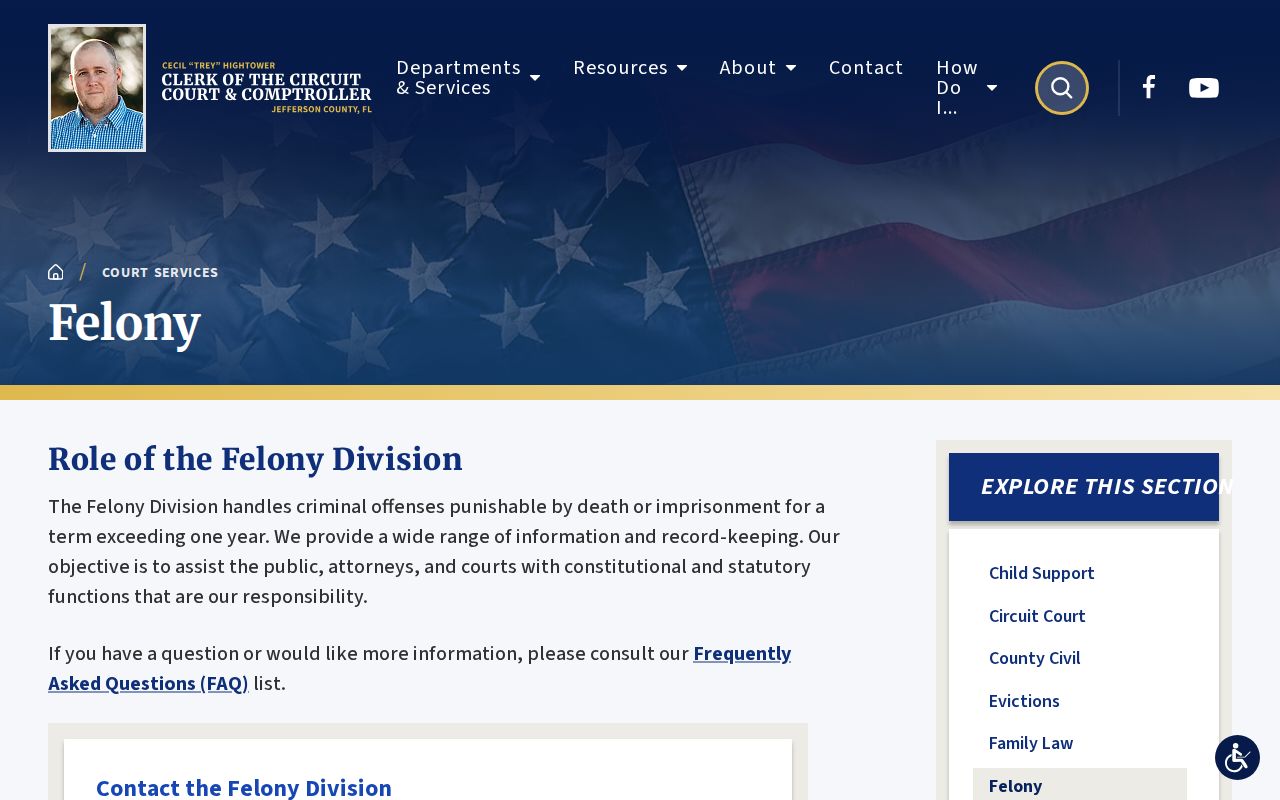
Verify the total with extension 233 before sending funds.
Access & Restrictions
Florida court rule 2.420 governs access and confidential categories. Juvenile files are restricted. Protected victim data, medical information, active investigative material, and personal identifiers may be withheld or redacted. Sealed or expunged matters leave ordinary public view.
The Clerk offers a no-fee process to remove a full Social Security number or full account or card number from an image. The request identifies the case number, document title, and page number.
If a case is missing, confirm spelling, division, filing delay, and number, then call extension 233. An OCRS miss does not prove no case exists.
Jefferson County Cash Bond Handoff
Cash bond funds may be applied to outstanding fines, court costs, or restitution under Florida law. If money remains for refund, the depositor gets a Cash Bond Release Notice from the Clerk's Felony Department and delivers it to JCSO.
Keep the receipt and case number. Ask the Clerk whether obligations were deducted, then confirm the Sheriff's current processing steps. The docket does not replace the notice used in the refund process. A surety bond follows a different path because a bondsman, rather than the depositor, backs the release. Confirm the bond type on the case file before asking either office about money.
Note: A bond release notice concerns deposited funds; it does not change a charge, disposition, or sentence.